
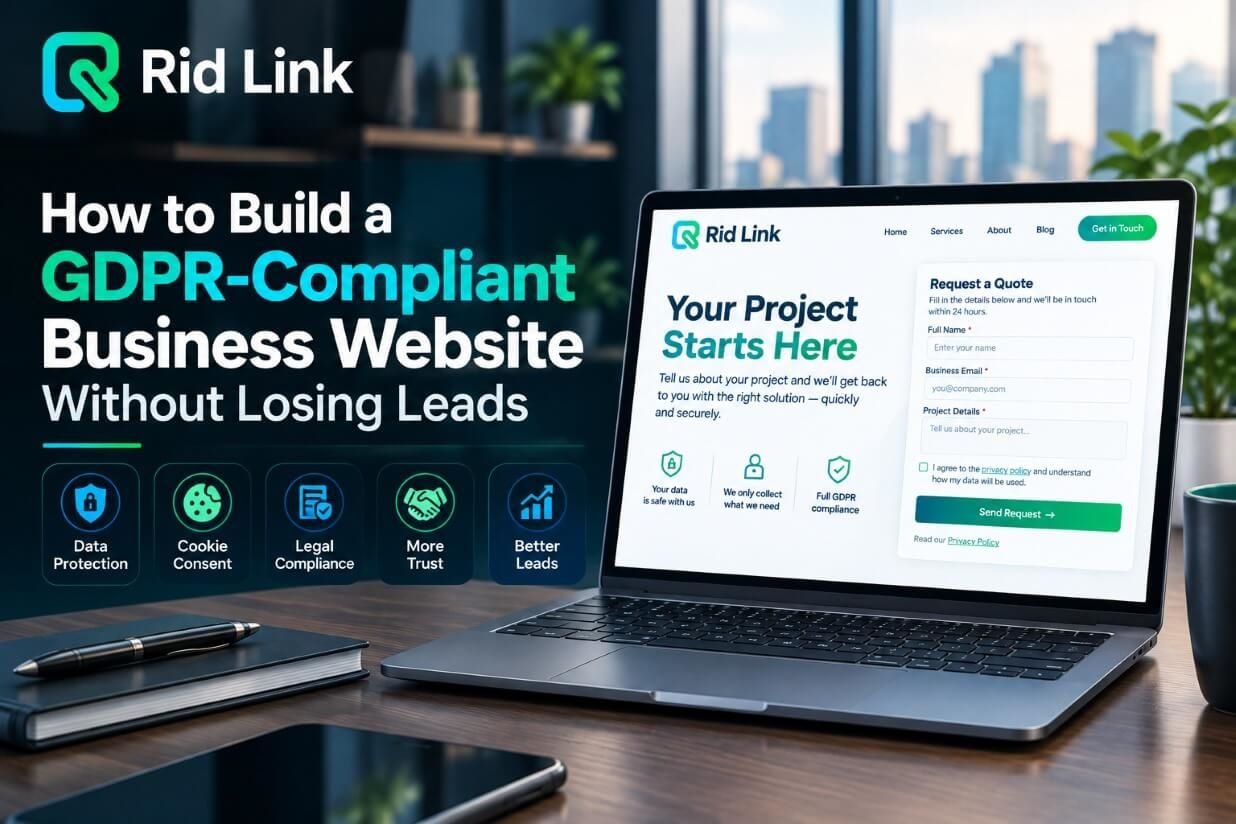
A business website should do more than attract visitors. It should build trust, protect personal information, and turn potential customers into qualified leads. However, businesses targeting customers in the European Union must also consider data protection requirements. This is where a GDPR-compliant business website becomes important.
The General Data Protection Regulation (GDPR) sets rules for how organisations collect, use, store, and manage personal data. For businesses, the challenge is to meet these requirements without making contact forms complicated or creating unnecessary barriers for potential customers. With the right website design, transparent communication, and privacy-focused processes, businesses can protect user information while maintaining an effective lead generation strategy.
1. How to Run a Gdpr Compliant Business Website
Before making changes to your website, understand how GDPR applies to your business. It applies to organisations established in the EU and can also apply to businesses outside the EU that offer goods or services to people in the EU or monitor their behaviour.
Personal data includes information such as names, email addresses, telephone numbers, and other details that can identify an individual. Businesses should understand what information they collect, why they need it, and how they intend to use it.
A clear GDPR website compliance strategy starts with reviewing contact forms, analytics tools, customer relationship management (CRM) systems, email marketing platforms, and third-party integrations. This helps identify where personal information enters your business and how it is handled.
2. Create Clear and Accessible Privacy Policies
A privacy policy helps visitors understand how your business handles their information. It should explain what data you collect, why you collect it, the legal basis for processing, how long you retain it, and whether it is shared with other organisations.
Keep the language simple and make the policy easy to find. Add a visible link near relevant contact forms and in your website footer. Avoid lengthy legal language that leaves visitors uncertain about what happens to their information.
A transparent privacy policy can support customer confidence because people can make informed decisions before submitting their details. However, publishing a privacy policy alone does not guarantee GDPR compliance; your actual data collection and processing practices must also meet applicable requirements.
3. Design GDPR-Compliant Contact Forms
Contact forms are essential for lead generation, but requesting too much information can discourage visitors from completing them. A practical approach is to collect only the information necessary for the form’s purpose.
For example, a basic enquiry form may need a visitor’s name, email address, and message. Asking for unnecessary personal details can create friction and increase the amount of information your business must protect.
For GDPR-compliant web forms, explain why the information is needed and provide access to your privacy policy. If you rely on consent for a particular use of personal data, make the request clear, specific, and voluntary. Do not use pre-ticked marketing consent boxes.
Keep forms short, mobile-friendly, and easy to complete. These improvements can help deliver a smoother user experience while supporting your lead management process.
4. Manage Cookie Consent Without Hurting User Experience
Many websites use cookies and tracking technologies for analytics, advertising, and personalisation. Depending on the technology and applicable rules, some cookies may require prior user consent, while strictly necessary cookies may be exempt.
A suitable cookie consent tool should explain cookie categories in plain language and allow visitors to make an informed choice. Where consent is required, non-essential cookies should not run before consent is obtained. Users should also be able to change or withdraw their choice easily.
Avoid confusing banners or designs that pressure visitors into accepting every cookie. A clear, accessible consent interface supports transparency and helps users feel more comfortable browsing your website.
5. Collect Marketing Leads With Proper Consent
Generating a lead and obtaining permission to send marketing messages are not always the same thing. Someone who submits a contact form to request a quote has not automatically agreed to receive every future promotional email.
If your business uses email newsletters or promotional campaigns, identify the appropriate legal basis for processing and follow the relevant electronic marketing rules. Where consent is required, use a separate, unticked checkbox that clearly explains what the person is agreeing to receive.
For example, a form could offer an optional choice to receive product updates and marketing emails. Keep the request separate from the main enquiry so visitors can contact your business without being forced to subscribe to marketing.
Make unsubscribing straightforward and respect users’ preferences. This approach helps businesses build a more engaged audience rather than collecting contacts who never wanted promotional messages.
6. Protect Customer Data and Review Third-Party Tools
Website privacy involves more than forms and cookie banners. Businesses should protect the information they collect through appropriate technical and organisational measures.
Use HTTPS, restrict access to customer records, keep website software updated, and choose reputable service providers. Review the data practices of your CRM, hosting provider, analytics tools, and email marketing platform. Establish sensible retention periods and delete personal information when it is no longer needed, subject to applicable legal obligations.
A privacy-focused website design considers data protection from the beginning rather than treating it as a last-minute addition. Regular reviews can help identify unnecessary data collection, outdated integrations, and potential security weaknesses.
7. Improve Lead Generation While Building Trust
GDPR compliance and lead generation can work together. Visitors are more likely to understand your offer when forms are straightforward, privacy information is accessible, and marketing choices are clearly explained.
Use compelling calls to action, explain the value of submitting a form, and request only relevant information. Test form layouts on mobile devices and measure completion rates without collecting unnecessary personal data. Review your website regularly to ensure that tracking tools, consent settings, and privacy notices reflect your current practices.
If your business needs help improving its website structure, performance, or user experience, explore Ridlink’s SEO services to learn how a stronger website strategy can support long-term online visibility and business growth.
Conclusion
Building a GDPR-compliant business website does not mean sacrificing leads. By creating clear privacy policies, designing simple contact forms, managing cookies appropriately, and respecting marketing preferences, businesses can make privacy an important part of the customer experience.
The goal is to collect useful information responsibly while making it easy for potential customers to contact you. Combine privacy-conscious website design with effective lead generation practices to build trust, improve user experience, and create a stronger foundation for sustainable business growth.