
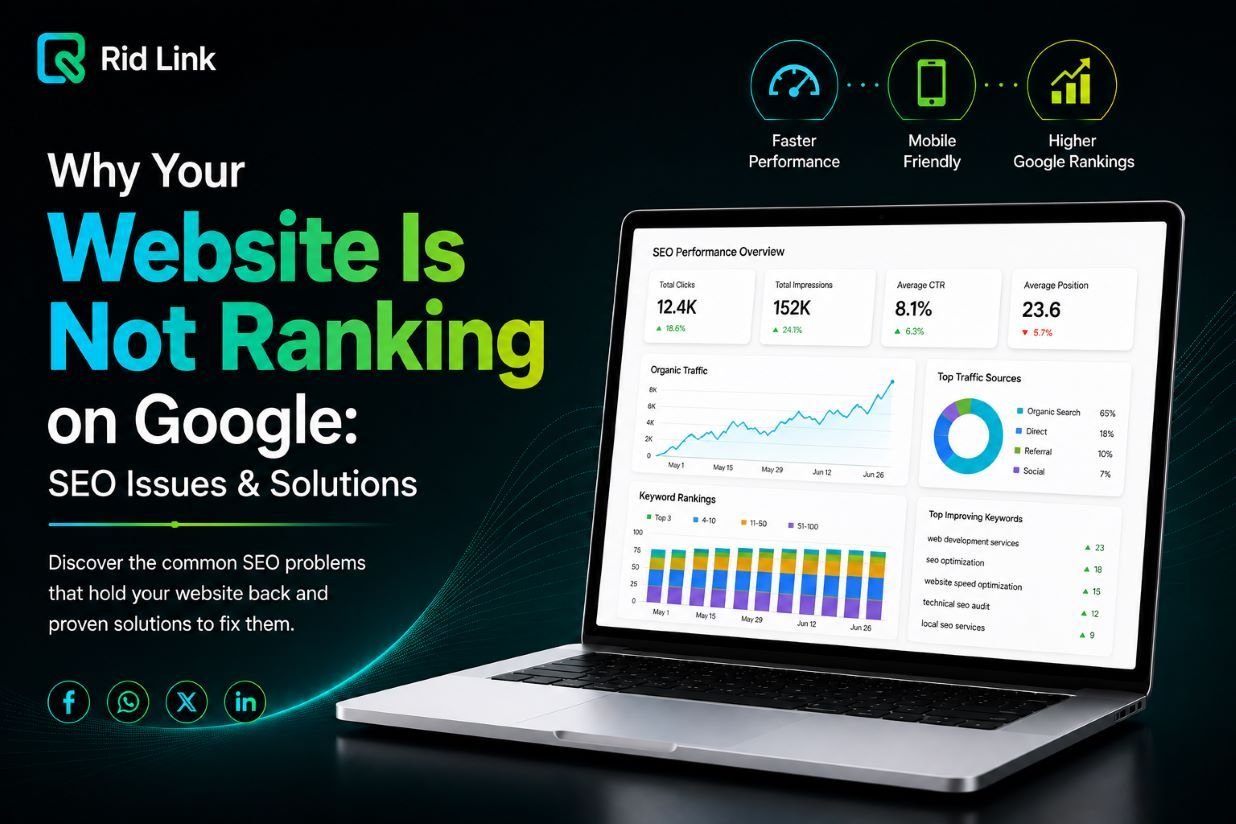
If your website is not ranking on google you are losing valuable search engine traffic. In this article we will analyze the main reasons why your site is struggling and how to fix them.
If you are wondering why your website is not ranking on Google, the problem may not be your website design alone. Search visibility depends on several factors, including content quality, search intent, technical SEO, website speed, mobile experience, and competition.
The good news is that most SEO problems can be identified and improved with the right strategy.
1. Why Your Website Is Not Ranking on Google
Is your website is not ranking on google? This is one of the most frustrating issues website owners face when trying to generate organic traffic and reach prospective customers.However, one of the most common reasons a website fails to rank is that its content does not match search intent.
For example, someone searching for “web development company” may be looking for a service provider, while someone searching for “what is web development?” is probably looking for an explanation.
Before creating a page, ask:
- What is the user trying to find?
- What problem are they trying to solve?
- Are they looking for information, a service, a product, or a comparison?
- Does my page answer their question clearly?
Your content should satisfy the searcher’s intent instead of simply repeating keywords. If your website is not ranking on google, ensuring search intent alignment is essential.
2. Your Content Is Too Thin or Generic
Having content on a website does not automatically mean it will rank.
If a page contains only a few generic sentences while competing pages provide detailed and useful information, Google may have little reason to prefer your page.
Focus on answering the important questions your audience has. For example, a page about website development should explain relevant topics such as features, design, performance, mobile responsiveness, SEO, security, and maintenance.
However, longer does not always mean better. Your goal should be useful content, not unnecessary words.
3. Target Keywords to Fix When Your Website Is Not Ranking
High search volume can be attractive, but it does not always mean a keyword is valuable for your business.
For example, a company providing professional cloud solutions may receive little business value from ranking for consumer searches such as “free cloud storage.”
Instead, target keywords that are relevant to your services and potential customers.
Good keyword research considers:
- Search volume
- Search intent
- Competition
- Business relevance
- Commercial value
- Related and semantic keywords
The best keyword is often the one that brings the right visitor. If your website is not ranking on google, picking high-intent keywords will fix your ranking issues.

4. Your Website Has Technical SEO Problems
Technical SEO helps search engines crawl, understand, and index your website.
Common technical issues include:
- Slow page loading
- Broken links
- Poor mobile experience
- Duplicate pages
- Incorrect redirects
- Indexing problems
- Poor website structure
- Missing or incorrect sitemap
Even excellent content can struggle if Google cannot properly access or understand your pages.
Google Search Console can help you identify indexing and technical issues that may be affecting your website.
5. Your Website Is Too Slow
Nobody likes waiting for a slow website to load. In fact, large images, poor hosting, unnecessary plugins, heavy scripts, and unoptimized code can all affect website performance.
Furthermore, a faster website provides a better experience for visitors and helps your site meet modern performance expectations.
Tools such as Google Page Speed Insights can help identify areas that need improvement.
6. Your Website Is Not Mobile-Friendly
Your website should work properly on smartphones as well as desktop computers.
Check whether:
- Text is easy to read
- Buttons are easy to tap
- Images fit the screen
- Navigation works correctly
- Forms are easy to use
- Pages load quickly
A poor mobile experience can cause visitors to leave your website before they even see what your business offers.
7. On-Page SEO Fixes When Your Website Is Not Ranking on Google
On-page SEO helps search engines understand individual pages.
Important elements include:
- SEO title
- Meta description
- H1 heading
- H2 and H3 subheadings
- URL structure
- Internal links
- Image ALT text
- Natural keyword usage
You do not need to repeat your main keyword everywhere. In fact, keyword stuffing can make your content harder to read.
Use keywords naturally while keeping the main focus on the reader. If your website is not ranking on google, proper on-page optimization is required
8. Your Internal Linking Is Weak
Internal links connect relevant pages on your own website.
For example, an article about website performance could naturally link to your web development, website redesign, or SEO service page.
Good internal linking helps visitors discover related information and gives search engines more context about the relationship between your pages.
The key is relevance. Add links when they genuinely help the reader.
9. Your Competitors Have Better Content
Sometimes there is nothing seriously wrong with your website your competitors are simply providing a better answer.
Look at the pages ranking for your target keywords and compare:
- Content quality
- Page structure
- User experience
- Examples
- Original information
- Internal links
- Overall usefulness
Do not simply copy competing pages. Instead, find what they are missing and create content that is clearer, more complete, and more useful.
10. SEO Takes Time
SEO is not an overnight process.
After publishing a page, Google needs time to crawl, index, and evaluate it. Competitive keywords can take even longer to improve.
Instead of checking rankings every few hours, monitor:
- Organic traffic
- Search impressions
- Clicks
- Keyword positions
- Indexed pages
- Leads and conversions
This gives you a much better picture of whether your SEO strategy is working.
How to Fix a Website That Is Not Ranking
If your website is struggling in Google, start with a basic SEO audit.
First, check indexing: Make sure your important pages can be discovered and indexed.
Next review technical SEO: Look for speed, mobile, broken links, duplicate content, and crawl problems.
Then review your content: Make sure each page matches search intent and provides genuinely useful information.
Finally improve and monitor: Strengthen important pages, build relevant internal links, and track your results over time.

When Should You Consider Professional SEO Help?
If your website has been online for some time but still receives very little organic traffic the problem may require a deeper SEO analysis.
A professional SEO audit can identify issues related to technical SEO, keywords, content, internal linking, mobile performance, and search visibility.
At Rid Link, SEO services include keyword research on-page SEO, technical SEO, mobile SEO, local SEO, content optimization, internal linking, keyword monitoring, and ongoing support. The right strategy depends on your website, industry, competition, and business goals.
Final Thoughts
If your website is not ranking on Google, adding more keywords is not always the answer.
The real problem could be search intent, weak content, technical SEO, slow performance, poor mobile usability, weak internal linking, or strong competition.
The best approach is to identify the problem first and improve your website systematically.
SEO is ultimately about creating a website that is useful for people easy for search engines to understand technically sound and worthy of visibility in relevant searches.