
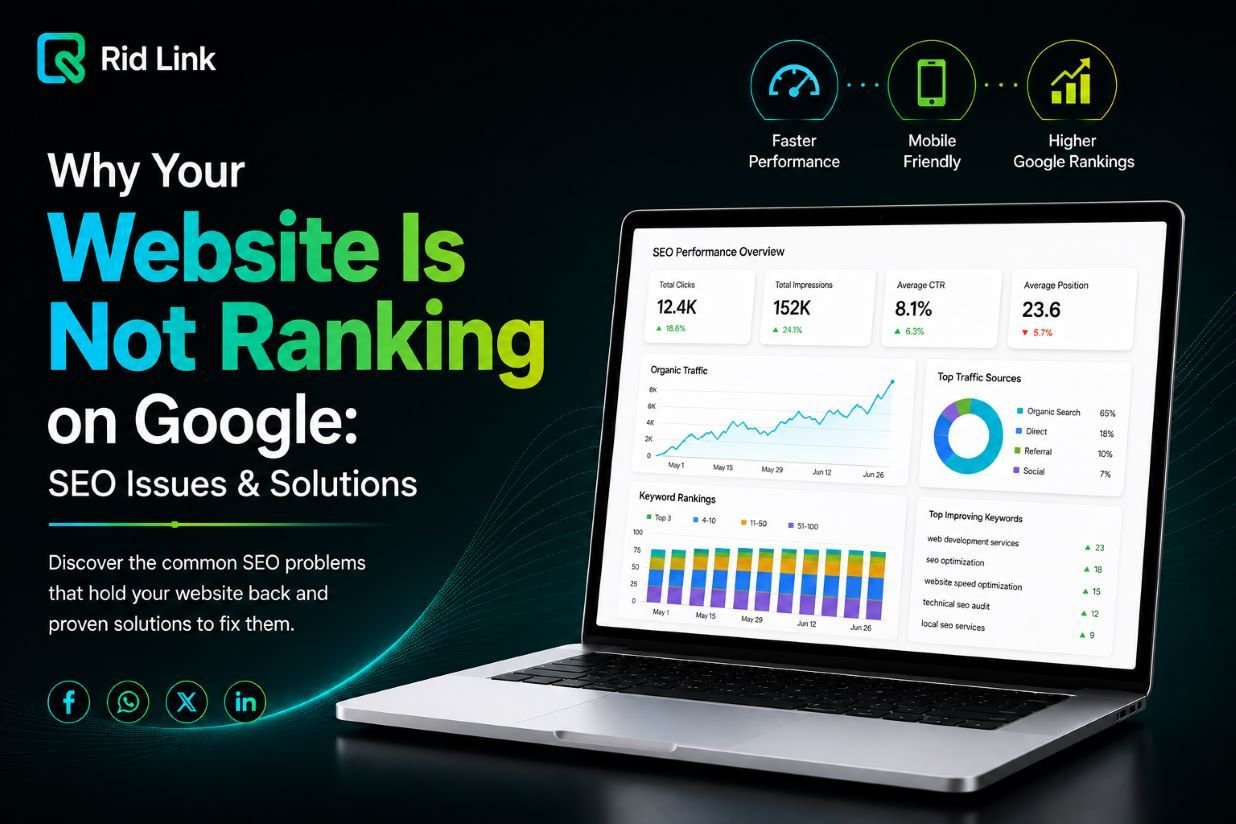
Is your website not ranking on Google despite investing time and money in its design and content? Many businesses struggle to improve their Google search rankings because of technical SEO issues, poor keyword targeting, weak content, or website performance problems. Without a clear SEO strategy, even a professionally designed website can struggle to attract organic traffic.
Understanding why your website is not ranking on Google is the first step toward improving search visibility. In this guide, we explain common website ranking problems and practical ways to improve your website’s SEO performance.
1. Your Website Is Not Indexed by Google
One possible reason your website is not showing up on Google is that its pages have not been indexed. Google needs to discover and process a page before it can appear in search results.
To identify website indexing issues, use Google Search Console and open the URL Inspection tool. Check whether the page is indexed and look for problems involving robots.txt, noindex tags, canonical URLs, or server errors.
Submitting an XML sitemap can help Google discover important pages. However, submitting a sitemap does not guarantee indexing or higher rankings.
2. You Are Targeting the Wrong SEO Keywords
Keyword research is essential for effective search engine optimization. If your website targets keywords that are too competitive or unrelated to your audience, attracting relevant visitors can be difficult.
For example, a small company offering website development services may find it challenging to compete for broad keywords such as “web development.” More specific phrases, such as “WordPress website development services for small businesses,” may better match its target audience.
Choose a primary keyword for each page and support it with relevant secondary and long-tail keywords. Include them naturally in page titles, headings, introductions, and relevant sections.
Avoid keyword stuffing. Your content should answer the reader’s question rather than repeat the same search phrase unnecessarily.
3. Your Website Content Needs Improvement
Poor website content can make it difficult to compete with pages that provide more useful and comprehensive answers.
If you want to improve Google rankings, create original, informative content that addresses your audience’s needs. Explain your services clearly, answer common questions, and provide practical solutions.
For example, a business website should have detailed service pages explaining the benefits, features, and value of its offerings. Blog articles should provide actionable information instead of simply repeating keywords.
Review existing pages to identify outdated information, missing details, and unnecessary repetition. Improving content quality can help create a more useful experience for visitors.
4. Technical SEO Issues Are Affecting Rankings
Technical SEO helps search engines crawl and understand your website. Common technical SEO issues include broken links, incorrect redirects, duplicate content, indexing errors, and missing canonical tags.
Start with a website SEO audit to identify problems affecting important pages. Google Search Console can help you investigate indexing and crawling issues, while website auditing tools can identify technical errors and missing metadata.
Fix critical issues first, especially those preventing Google from accessing or indexing your content. A technically accessible website gives your pages a stronger foundation for organic search visibility.
5. Your Website Is Too Slow on Mobile Devices
Website speed and mobile usability influence the experience visitors have when browsing your pages. Slow loading times, difficult navigation, and layouts that do not work properly on smartphones can frustrate users.
Use Google PageSpeed Insights to check website performance and identify opportunities for website speed optimization. Compress large images, reduce unnecessary scripts, enable appropriate caching, and review your hosting performance.
Also check Google’s Core Web Vitals to understand loading performance, responsiveness, and visual stability.
A fast, mobile-friendly website supports a better user experience and contributes to a strong technical SEO foundation.
6. Your website not ranking on google Needs More Quality Backlinks
Backlinks are links from other websites that point to your pages. Relevant, trustworthy backlinks can help search engines understand your content’s connections with other resources.
If competitors have established websites and strong backlink profiles, your website may need a more effective link-building strategy.
Create useful resources, publish original insights, contribute expert information to relevant websites, and build genuine relationships within your industry. Avoid spammy link-building schemes or purchasing links intended to manipulate search rankings.
Focus on relevance and quality instead of collecting as many backlinks as possible.
7. Your Website Has Weak Internal Linking
Internal links connect related pages on your website. They help visitors discover additional information and allow search engines to find important pages.
For example, an article about website ranking problems can link to relevant SEO and website development services. Similarly, a technical SEO article can direct readers to a related guide about website performance.
Use descriptive anchor text and link only to relevant pages. A clear internal linking structure helps visitors navigate your website and supports the discovery of important content.
Why Your Website Is Not Ranking on Google and How to Fix It
If your website is not ranking on Google, follow these practical SEO steps:
- Check indexing and crawling issues in Google Search Console.
- Conduct keyword research based on your audience and search intent.
- Optimize page titles, meta descriptions, headings, and website content.
- Fix technical SEO issues affecting important pages.
- Improve mobile usability and website loading speed.
- Build relevant backlinks through useful content and genuine relationships.
- Add internal links between related blog articles and service pages.
- Monitor organic clicks, impressions, and search queries in Google Search Console.
SEO improvements take time, and results depend on competition, website quality, and other factors. Track performance consistently and prioritize changes that address real problems.
How Ridlink Can Help Improve Your Website SEO
Ridlink helps businesses strengthen their digital presence through website development and digital solutions. A successful website needs more than attractive design; it also needs a clear structure, reliable performance, useful content, and an effective search engine optimization strategy.
Whether your business needs technical website improvements, an SEO-friendly website structure, or professional website development services, identifying the right opportunities is an important first step.
Explore Ridlink’s website development services to learn more about creating a website that supports your business goals.
Conclusion
If your website is not ranking on Google, the cause may be related to indexing issues, incorrect keyword targeting, weak content, technical SEO errors, slow website performance, or insufficient relevant backlinks.
By addressing these website ranking problems, improving content quality, and following SEO best practices, you can build a stronger foundation for organic search visibility.
Start by auditing your website, targeting relevant keywords, improving important pages, and monitoring performance through Google Search Console. Consistent improvements can help your website become more useful to visitors and more accessible to search engines.